
Safety & Health Management
13 features, from risk assessments to training and statutory documents, all kept on record.
Prevent risks early with AI agents and keep thorough safety records with data. AI agents analyze site records and suggest the right safety actions to cut recurring risks.

오늘 TBM 24곳 중 21곳 작성, 협력사 D 등 3곳이 남았어요.
작성 요청을 보낼까요?
중대재해처벌법 9대 의무·목표·방침은 법정 항목으로 별도 관리됩니다.
GS Certification Grade 1 and a labor law firm partnership make our solution one you can trust
Certified GS Grade 1 by TTA in September 2025. Passed functionality, reliability, and security tests, so statutory records are in safe hands.

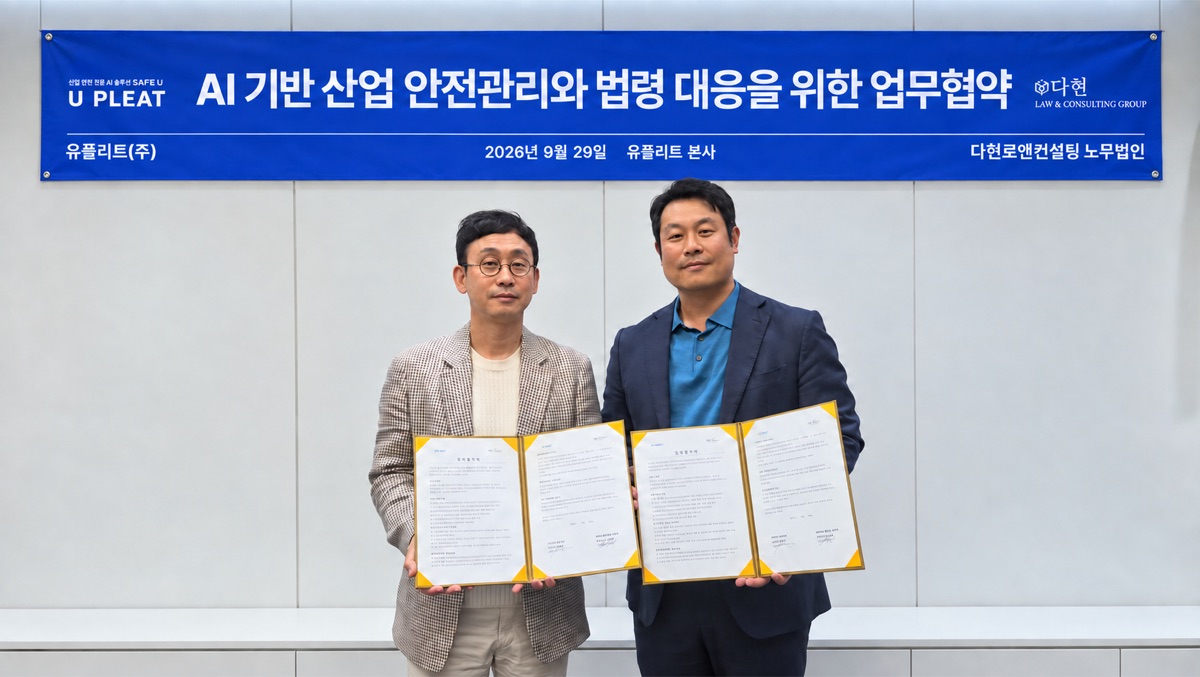
We add a labor law firm's legal advisory expertise to help companies respond more systematically to the Serious Accidents Punishment Act (SAPA).
Take a photo and AI does the risk assessment… KOMIR expands it to mines nationwide
2026.10.07 Electronic Times
U PLEAT and Dahyun Law & Consulting sign MOU to boost SAPA response
2026.10.01 Money Today
SAFE U WORKS upgrades its AI features
2026.04.07 Electronic Times
Sites across many industries manage safety with SAFE U WORKS

















Risk assessments, hazard surveys, and work plans. Spot risks before work starts.
From work permits and TBM logs to safety training and OSH costs. Every site activity stays on record.
Daily, weekly, joint, and patrol checks plus heat illness and near misses, all recorded.
Accident reports, drills, labor council, and worker feedback. Fix and record issues fast.
Discover. Found through worker feedback and inspections
Assign. Assign an owner and deadline on one screen
Decide. Decide in meetings how to reflect it
Register. Register assessment and checklist items with cycles
Verify. Verify the fix and act again if needed
Each role sees what it needs at a glance and responds quickly
13 features, from risk assessments to training and statutory documents, all kept on record.
9 features, from TBMs to near misses and heat illness, to handle site issues fast.
5 features, from the all-site dashboard to approvals and notifications, carry documents to the next step.
Prepare systematically for SAPA, from legal duties to evidence, with nothing missed
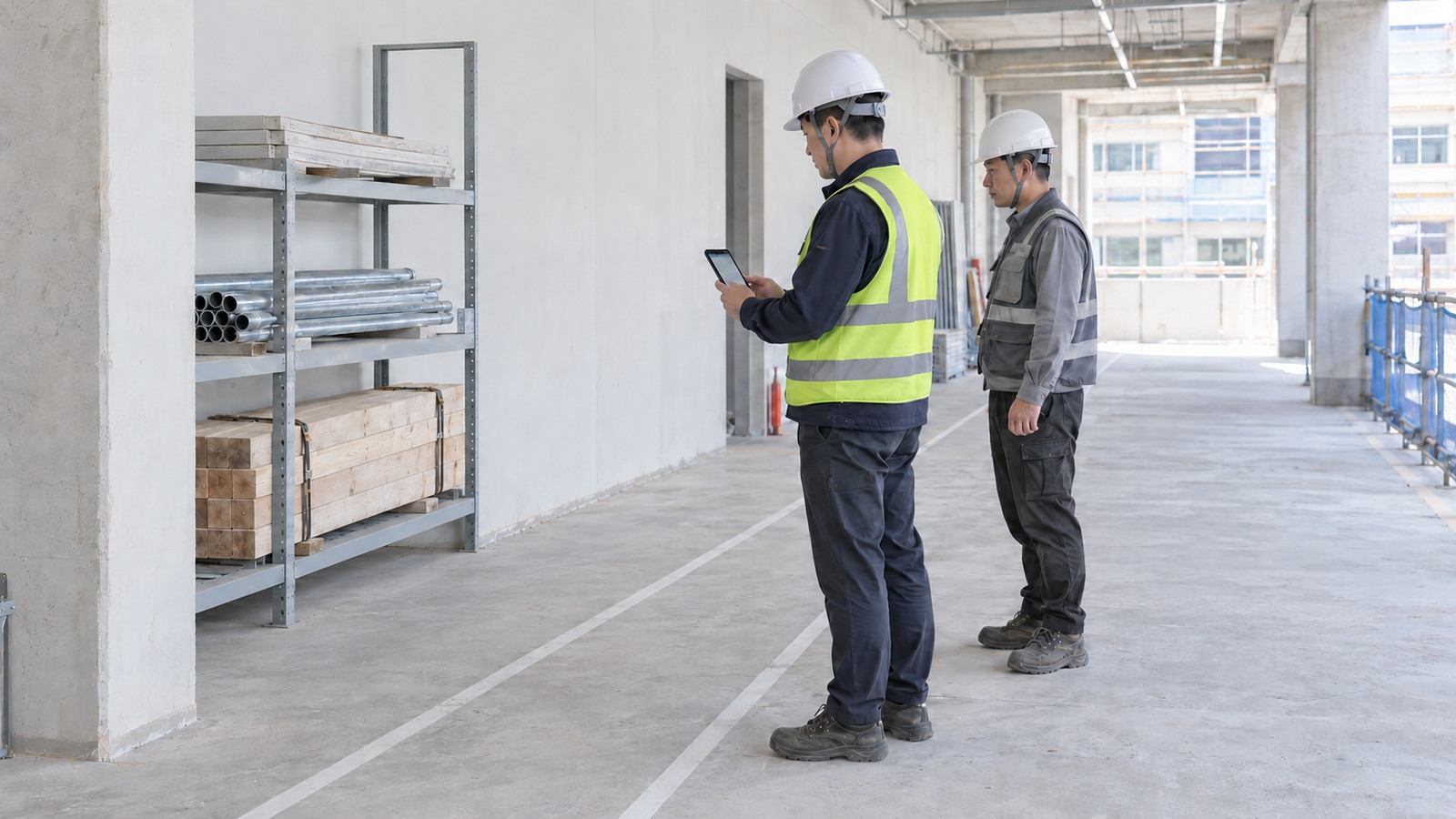
From safety rule checks to attendee e-signatures, multilingual TBMs with no language barriers
On-site Response
워키안전한 현장을 위해
여러분의 의견을 들려주세요.
구역
아침 조회장
카테고리
안전개선
제출 방식
익명 제출실명 제출
TBM 参与签字
请输入以下信息并签字。
参与者信息 [必填]
姓名王伟
手机号码010-1234-5678
安全须知 [必填]
安全须知已确认
作业(工种)钢筋混凝土工程
TBM 참여 QR
Translates managers' words for workers, replies into Korean.
QR scan logs the location; submit anonymously or by name.
TBM docs and signature screens
in Korean, English, and Chinese.
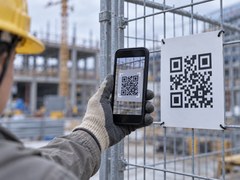
Review and sign with a QR scan,
no app or sign-up needed.
Translates managers' words for workers, replies into Korean.
QR scan logs the location; submit anonymously or by name.
TBM docs in Korean, English, and Chinese.
Workers review and sign documents with a QR scan, with no app or sign-up.
Work Support
TBM 일지
워키
김안전님, 오늘 TBM 4/6 완료, 협력사 C 등 2곳 남았어요.
현장소장 알림
세이프유건설 김안전님이 TBM일지 "2026-07-04"의 결재를 요청했습니다.
제목
TBM 회의록 2026-07-04 07:00
참석자
현장소장작업반장안전관리자
실시간 받아쓰기
화자 1비계 작업 전 안전대 착용부터 확인합시다.
화자 22층 개구부 덮개도 다시 고정하겠습니다.
문서 설정세부 설정
문서 제목
기본 제목 사용직접 입력
A현장 위험성평가표
제목 글자−16px+
내용 글자−11px+
회사명
현장명
Documents go straight to your approval line.
Record a meeting or inspection
and get a draft in each field.
Worky flags subcontractors yet to submit.
Customize print titles and date formats to fit your site.
Documents go straight to your approval line.
Record a meeting and a draft log is written for you.
Worky flags subcontractors yet to submit.
Customize print titles and date formats to fit your site.
Analyzes work details and suggests hazards and control measures.
AI agent Worky* reads objects, tasks, and conditions in each photo, suggests work types, then drafts steps, hazards, controls, and regulations.
* VLM (Vision Language Model): AI that describes what it sees in photos as text.
Re-reads your assessment and flags missing or weakly supported items.
Trained on your site data, AI agent Worky supports accurate safety management tailored to your site
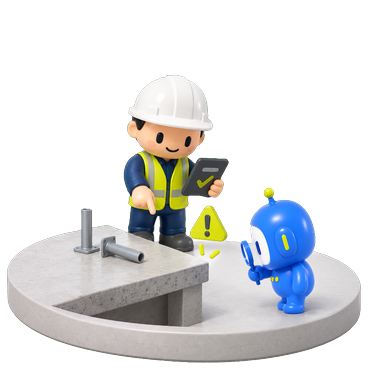
Ask about Site A and get answers tailored to that site's document types.
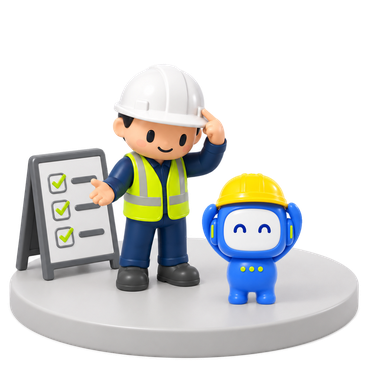
Worky understands ongoing work and suggests next tasks first, so work keeps moving.
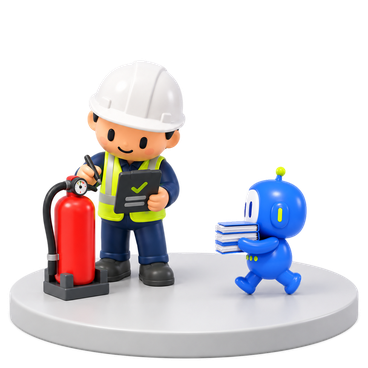
Write a rough draft, and the AI agent turns it into natural, polished sentences that fit the document.
Set up recurring tasks in one sentence, no complex settings, and save time.
Prepare systematically for SAPA, from legal duties to evidence, with nothing missed
Answers draw on our own knowledge base of verified sources such as laws, KOSHA guidance, and accident cases
Finds the right guidance for each task in KOSHA Guides.KOSHA Guides
1519+
Attaches supporting provisions from safety laws to every draft.Safety Laws
164+
Keeps complete records based on statutory annexes and forms.Annexes · Forms
1719+
Opens provisions directly in the official legal text.Official Law Texts
10154+
Checks chemical hazards and required PPE with KOSHA MSDS.KOSHA MSDS
20566+
An AI knowledge base trained on industry risk data gives your site the safety information it needs
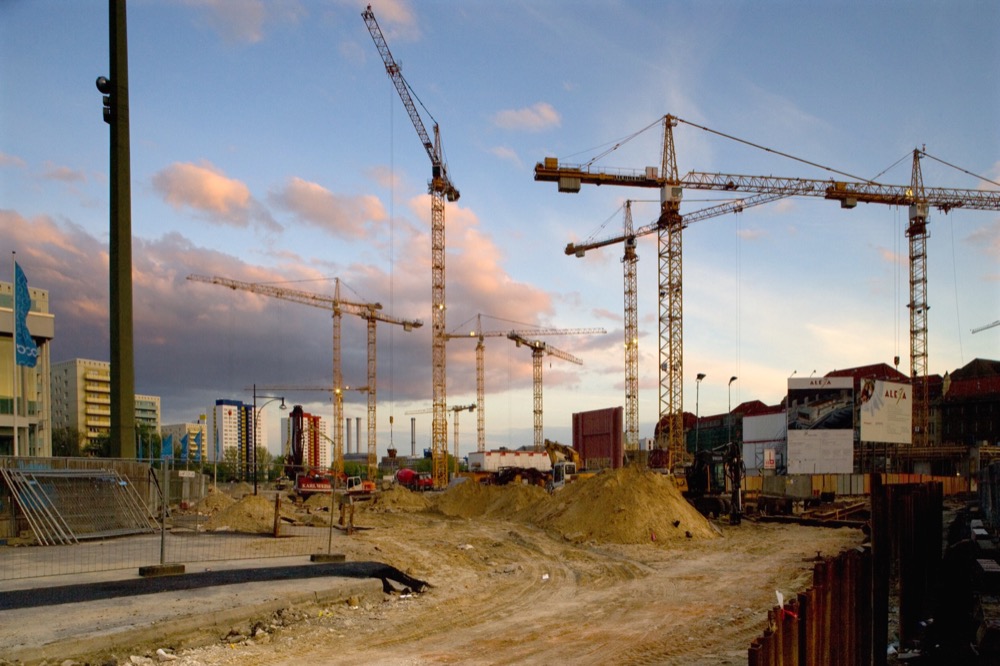
Construction sites
Falls, collapses, heavy equipment
Construction
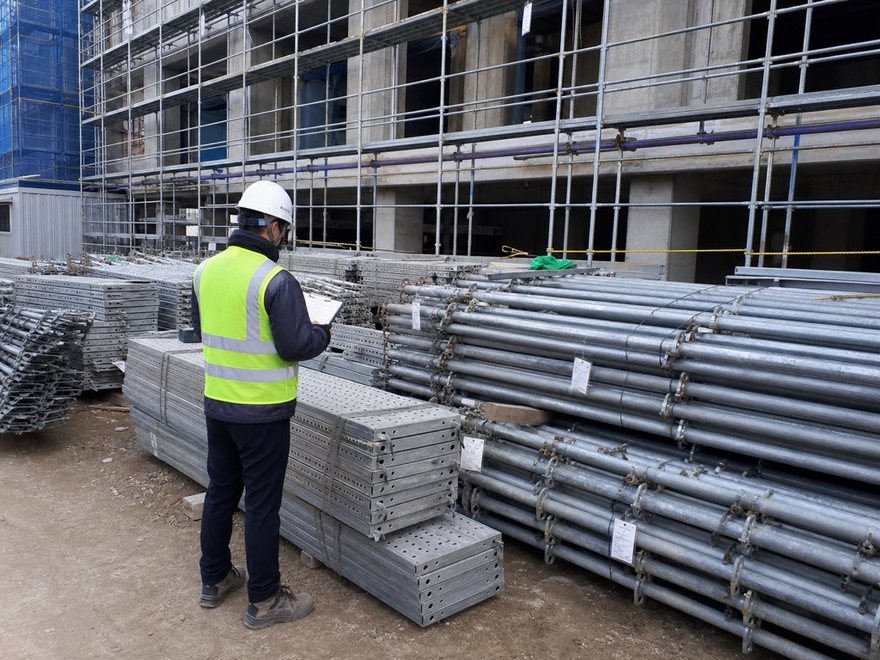
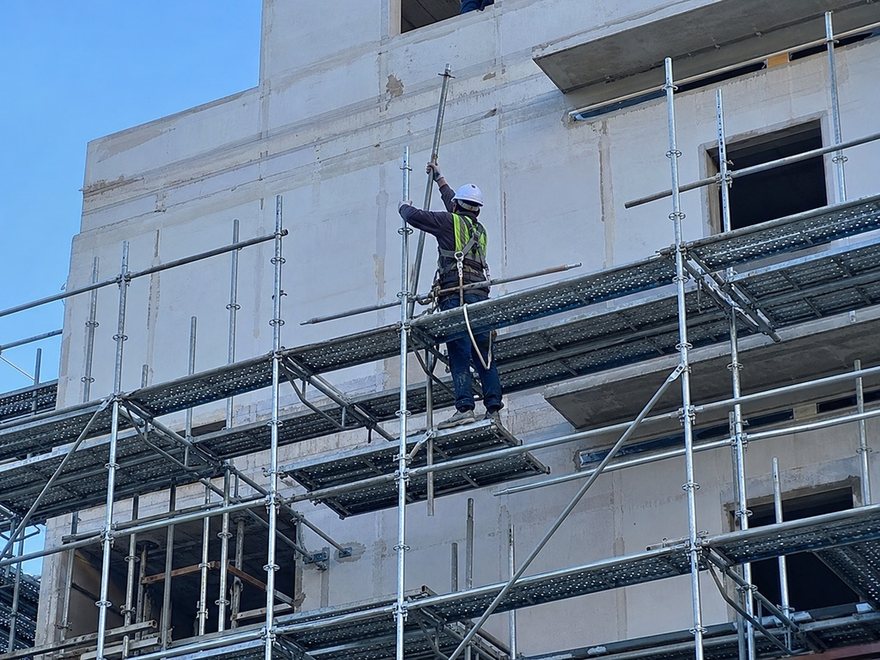
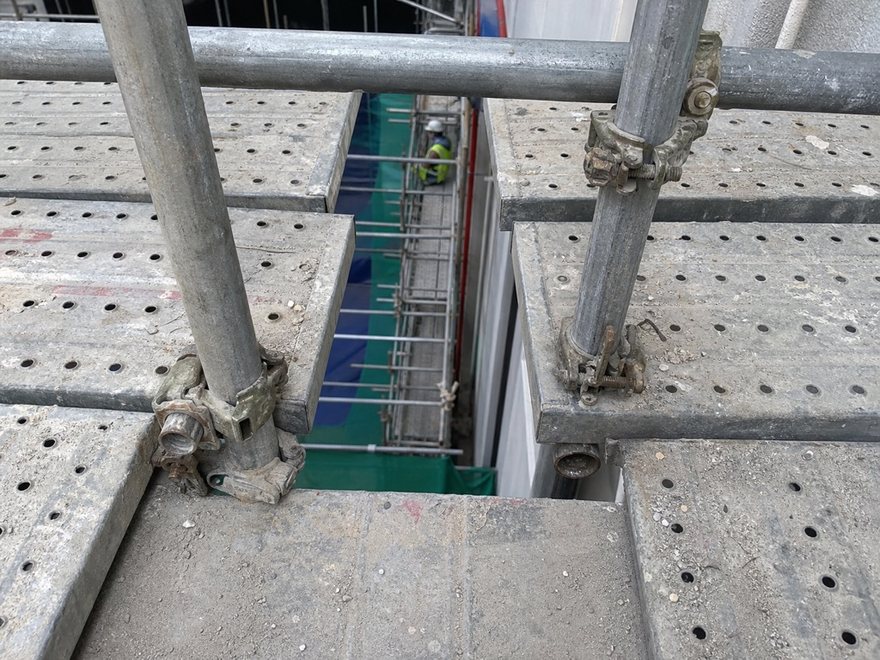
Knows scaffolding, excavation, and formwork rules and cases. A site photo gets you a draft with fall and collapse controls.
Learn more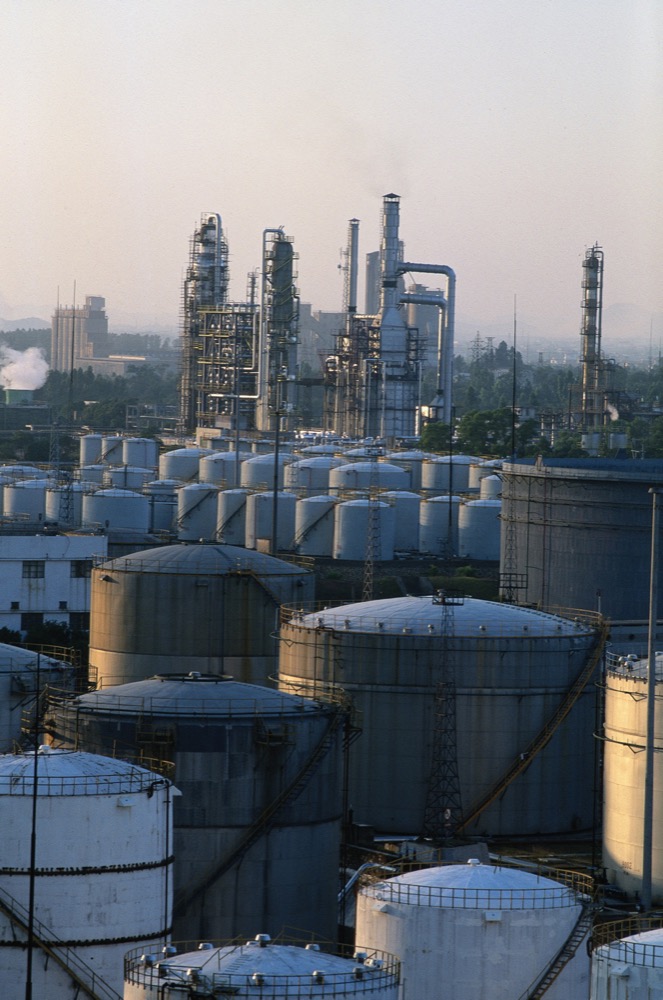
Chemical processes
Leaks, fires, explosions
Chemicals
Knows high-pressure gas, chemical, and gas safety rules. Suggests leak and explosion controls and checks hazards and PPE via MSDS.
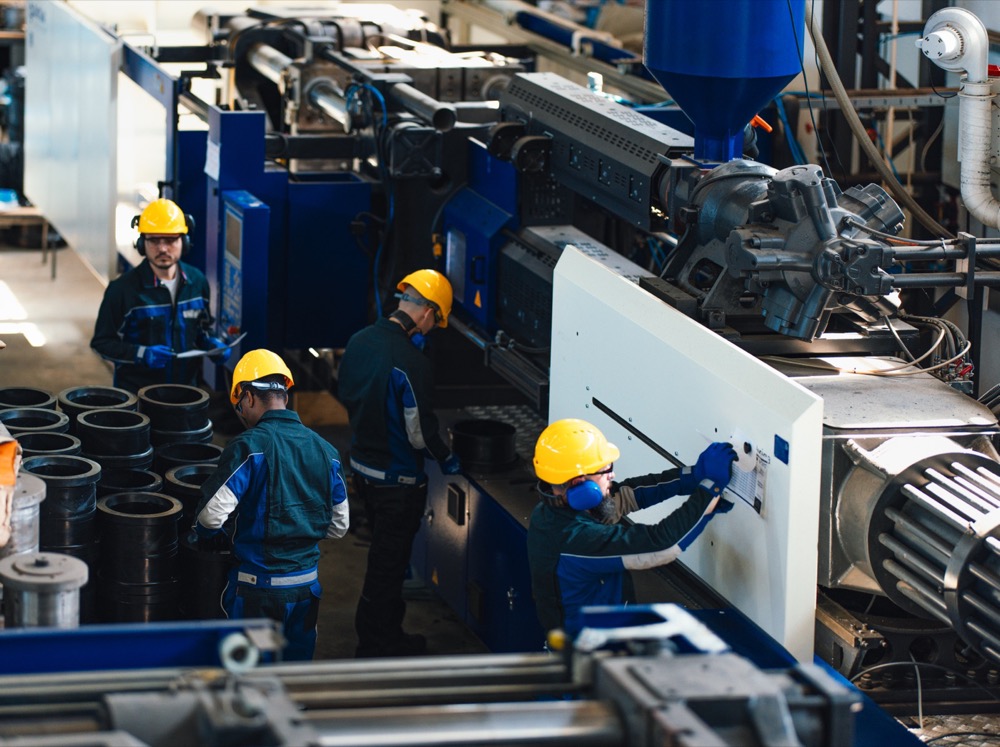
Manufacturing lines
Caught-in, shock, noise, guarding
Manufacturing
Knows guarding rules for presses, shafts, and robots plus ergonomics data. Flags missing guarding and weak items in your assessment.
Learn more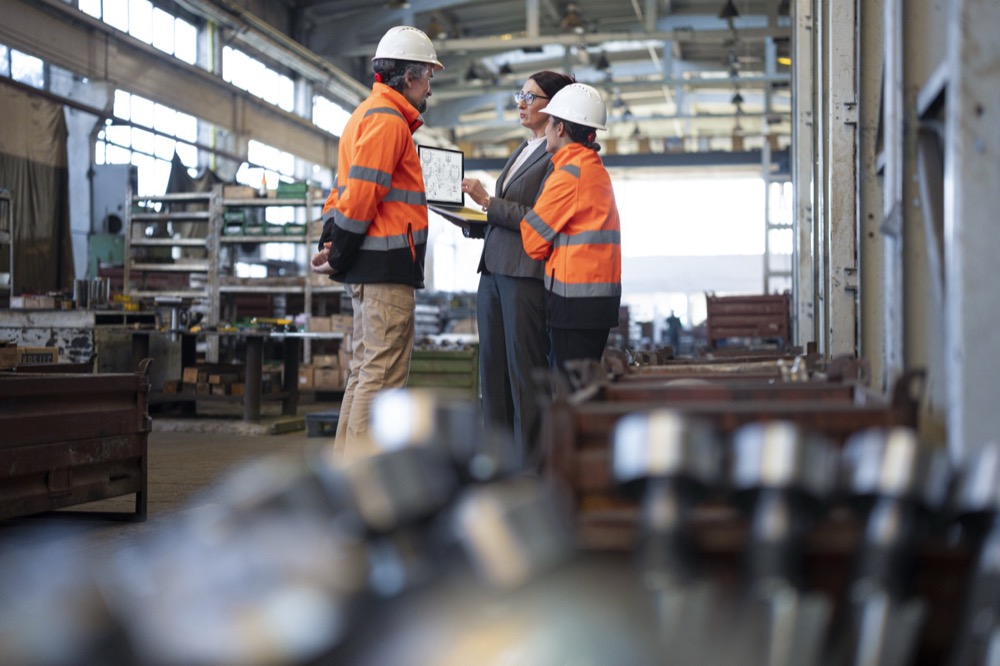
Facility management
Confined spaces, heights, inspections
Facilities
Knows elevator, fire, electrical, confined space, and height rules. Suggests suffocation and fall controls with linked provisions.
Learn more
Logistics warehouses
Collisions, tip-overs, falling objects
Logistics
Reviewed against common laws and KOSHA Guides. Your assessment is cross-checked to find missing collision and falling-object controls.
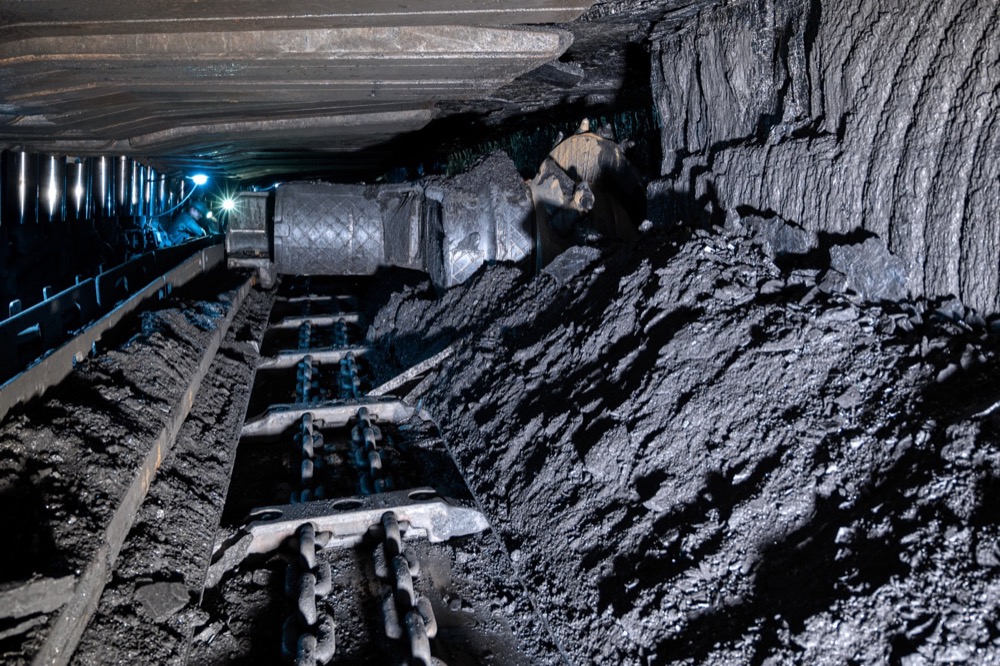
Mines
Roof falls, suffocation, safety rules
Mining
Knows mine safety standards, blasting rules, and cases. Answers from mining sources to help prevent roof falls and suffocation.
Learn moreSubscription
Cloud (SaaS)
Recommended for
Mid-sized and small businesses without dedicated safety staff
Subcontractors needing single-site use and system integration
Key features
Self-Hosted
On-Premise
Recommended for
Large enterprises and prime contractors needing HQ-level management
Sites that must keep strong in-house network security
Key features
Infrastructure setup period and quote are discussed separately
It works for prime contractors managing many sites from HQ, as well as mid-sized and small business sites and subcontractors without dedicated safety staff. Manage site documents such as risk assessments and minutes, safety inspections, work plans and permits, safety training logs, and TBM logs, together with safety goals and policies, safety organization, OSH costs, and labor-management council records. Executives see each site's safety activity completion rate and statutory inspection status on one screen in the all-site dashboard.
No. AI agent Worky suggests work steps, hazards, and control measures based on the task name and site conditions, and only what the person in charge chooses to apply goes into the document. Suggestions are grounded in safety laws, statutory annexes and forms, and KOSHA Guides, and cited provisions open directly in the official text at the Korea Law Information Center. Anything without a basis is left blank, and the final decision is always made by the person in charge.
Yes. Contractors and subcontractors work together on the same site, and the records each can see depend on their role. Workers scan the site QR code to review content and sign with their name and mobile number, with no app or sign-up. QR screens are available in Korean, English, and Chinese, and On-site Interpretation delivers managers' speech and text in workers' languages.
Pricing is set per site and does not depend on the number of workers, so there is no limit on workers. Submit a request and our team will contact you to set up your site, invite managers, and import your existing Excel data together. Before you sign, we'll open one site with you so you can try it with your own site documents. Pricing details are shared through an inquiry.
When AI drafts are created, site photos, documents, and voice recordings are sent to commercial AI models, and access to records in WORKS depends on each user's role. A self-hosted option installed on your internal servers (incl. closed networks) is also available, with integration support for existing systems such as ERP and HR. Setup period and pricing are discussed separately through an inquiry.
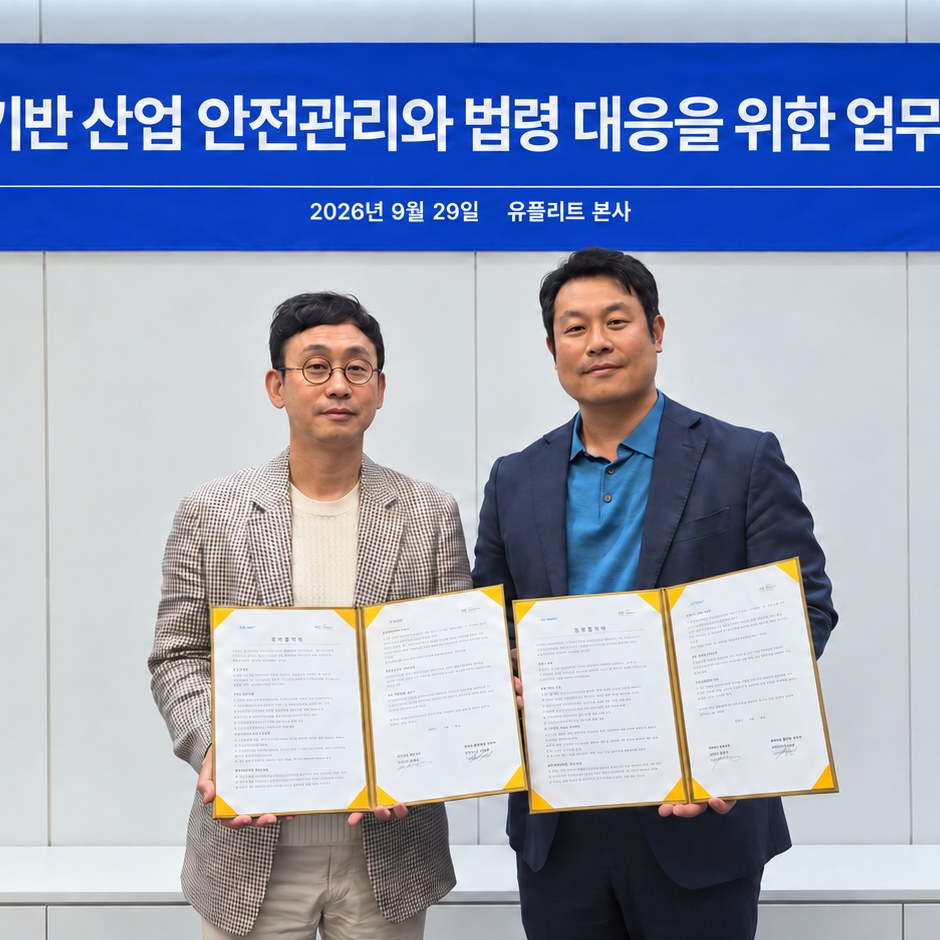
유플리트·다현로앤컨설팅, '세이프유 웍스' 중대재해법 대응 강화
2026.10.01 머니투데이
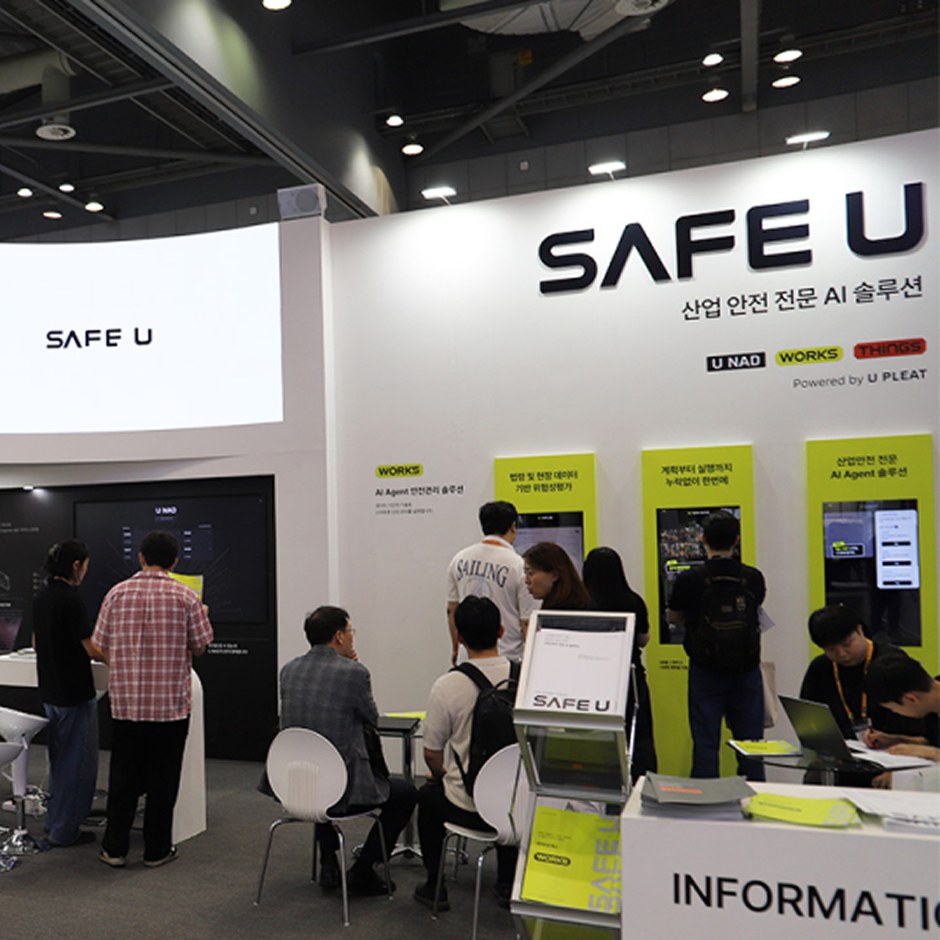
유플리트, KISS 2026서 산업안전 AI 솔루션 ‘SAFE U’ 선보여
2026.07.15 산업일보

세이프유, AI안전보건박람회 참가 데이터 기반 Agentic AI “U NAD” · IoT 기반 미래 안전관리 기술 공개
2026.06.19
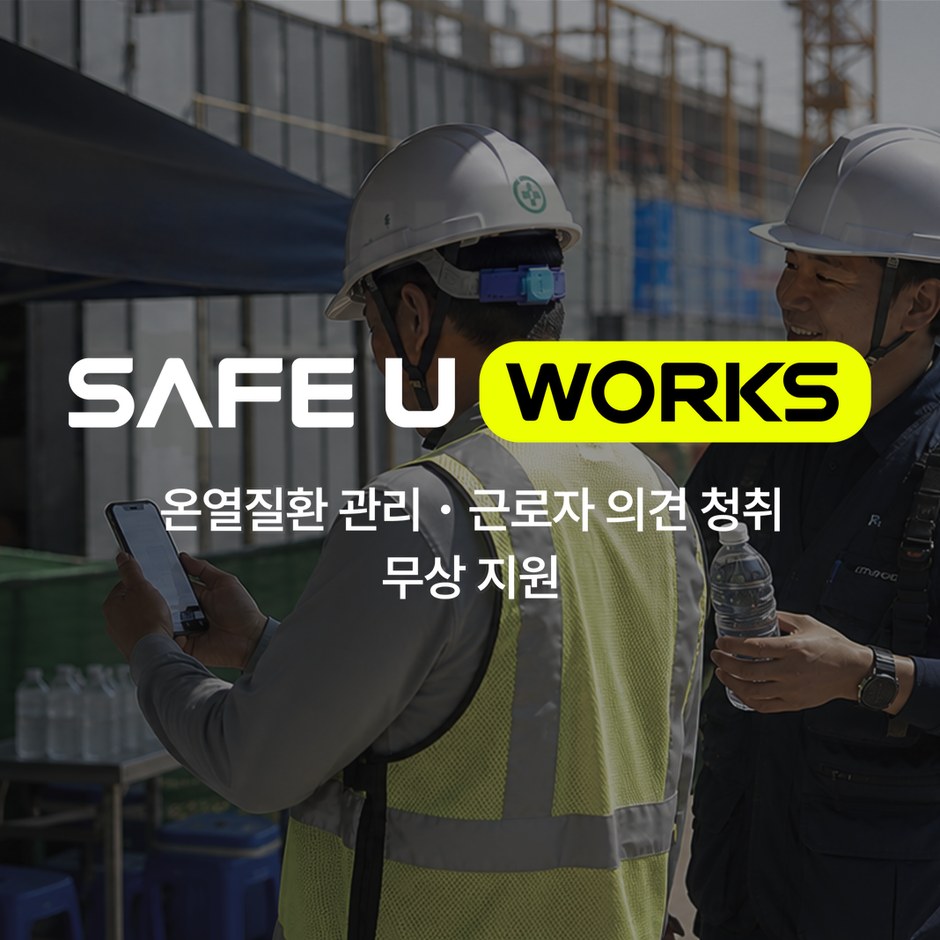
세이프유 웍스 "폭염 시즌 동행 캠페인" 온열질환점검・근로자의견청취 무상 지원
2026.05.18 전자신문
AI 안전관리 솔루션 ‘세이프유 웍스‘ 기능 고도화
2026.04.07 전자신문
세이프유, 삼성물산 공급 계약 체결…
2026.03.25 머니투데이
아람코가 다시 선택했다… 세이프유 2차 발주 이어져
2026.03.20
세이프유, 2025 제11회 대한민국 기업대상' - '기술혁신' 분야 대상 수상
2025.12.22 머니투데이
App records carry straight over to the admin web


Workers review and sign via QR, no app needed
Manage everything from planning to action and records with SAFE U WORKS, and cut repetitive work for more efficient safety management.
Safety & Health Management
13 features, from risk assessments to training and statutory documents, all kept on record.
Safety & Health Workflow
위험요인 찾기
Risk assessments, hazard surveys, and work plans. Spot risks before work starts.
현장 작업하기
From work permits and TBM logs to safety training and OSH costs. Every site activity stays on record.
점검하고 남기기
Daily, weekly, joint, and patrol checks plus heat illness and near misses, all recorded.
Statutory Records
No description
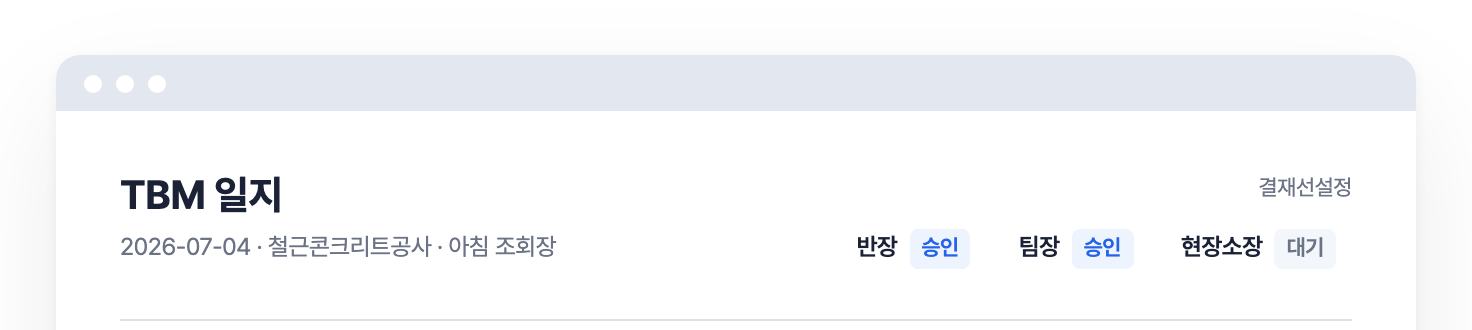
Documents go straight to your approval line.
안전보건 관리
No description
On-site Response
9 features, from TBMs to near misses and heat illness, to handle site issues fast.
Hazard Management
Gather scattered risks in one place, set an owner and deadline, and see them through.
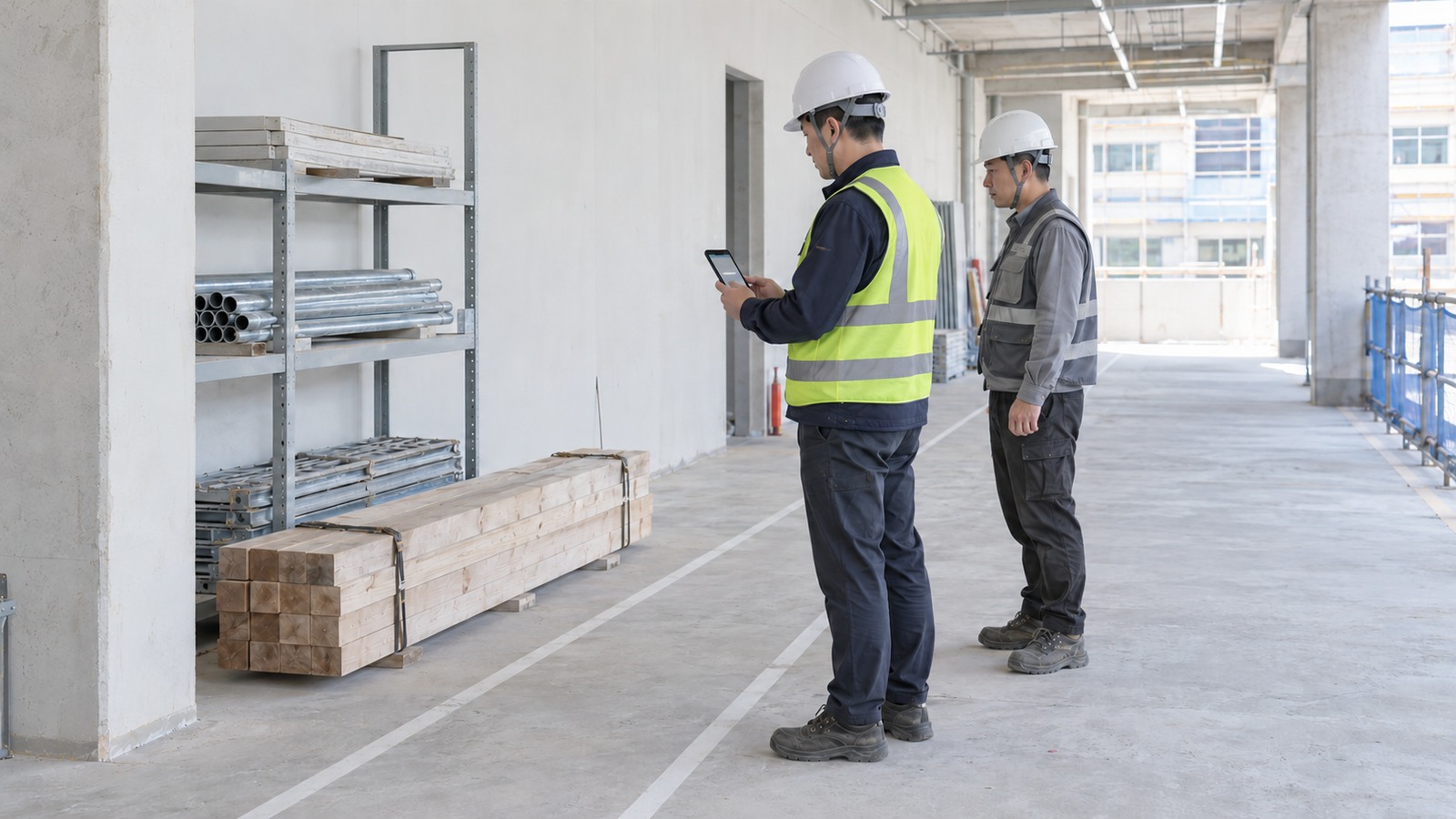
Found through worker feedback and inspections
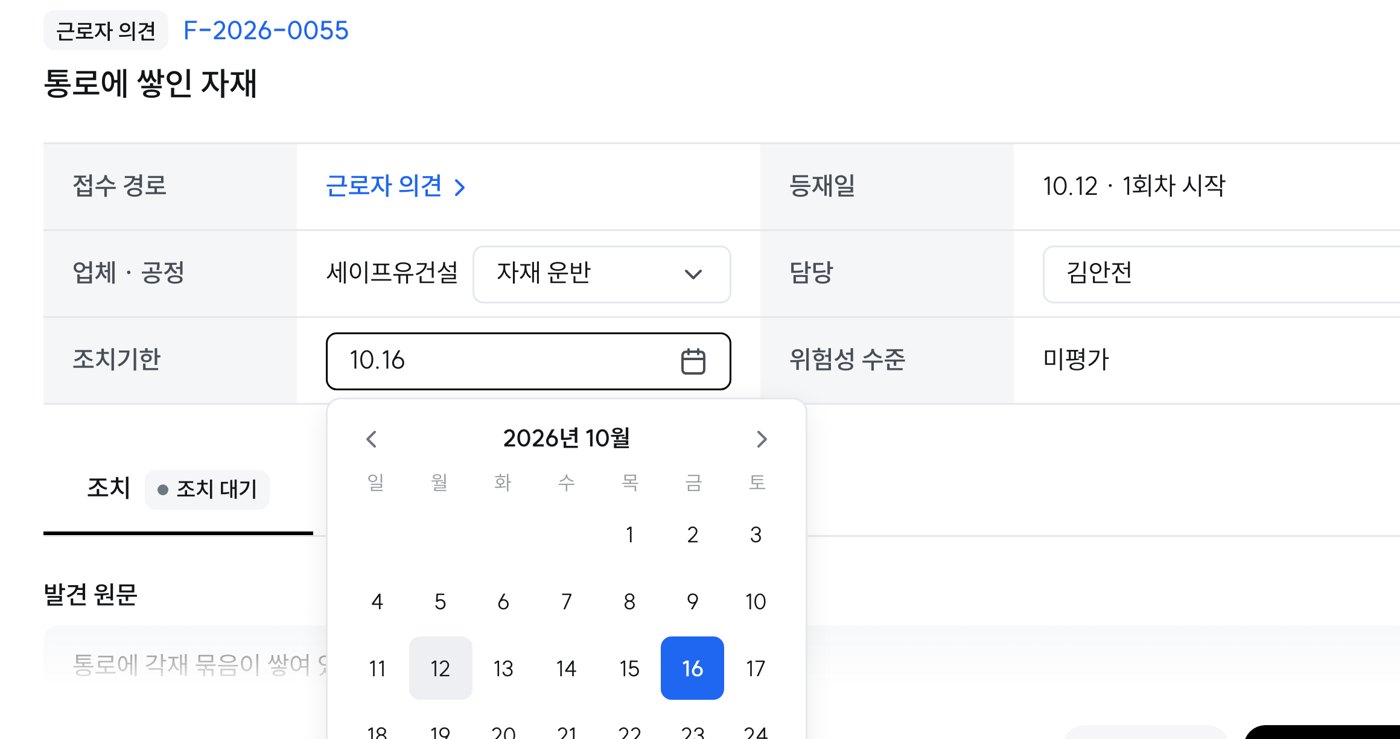
Assign an owner and deadline on one screen
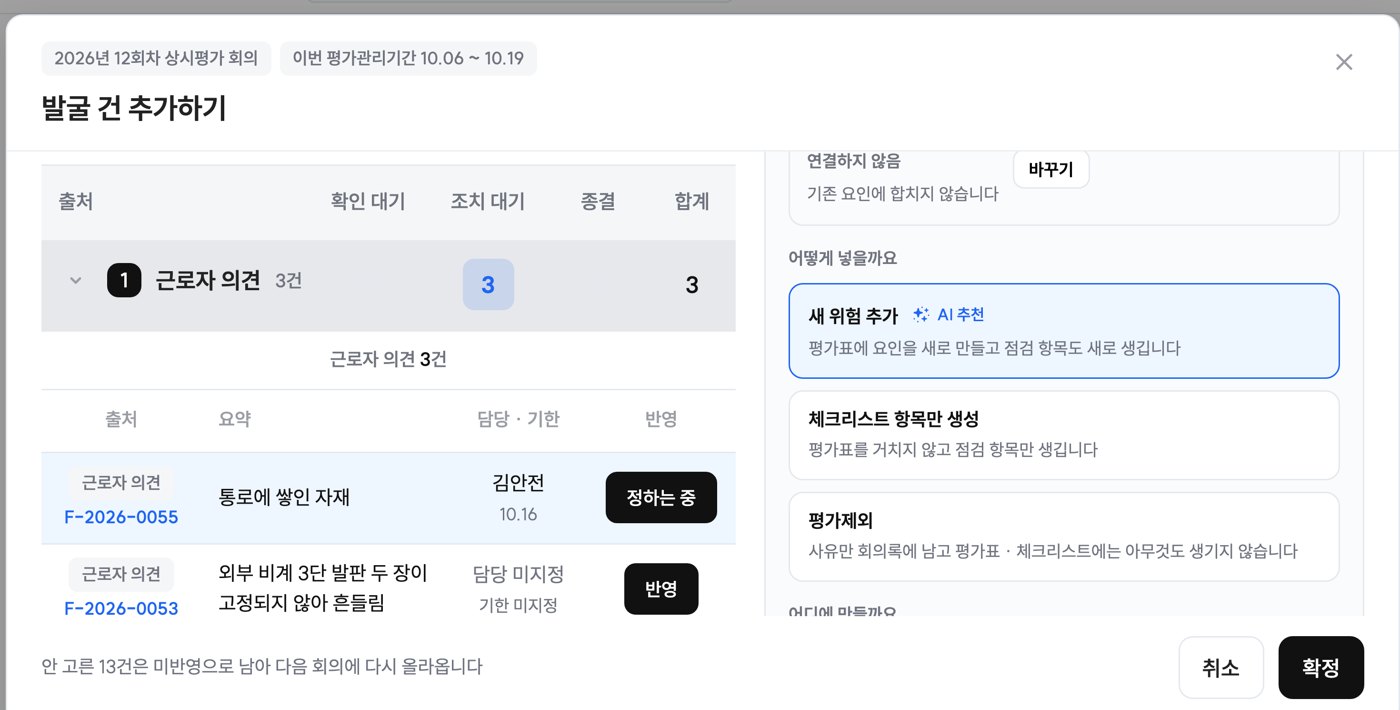
Decide in meetings how to reflect it
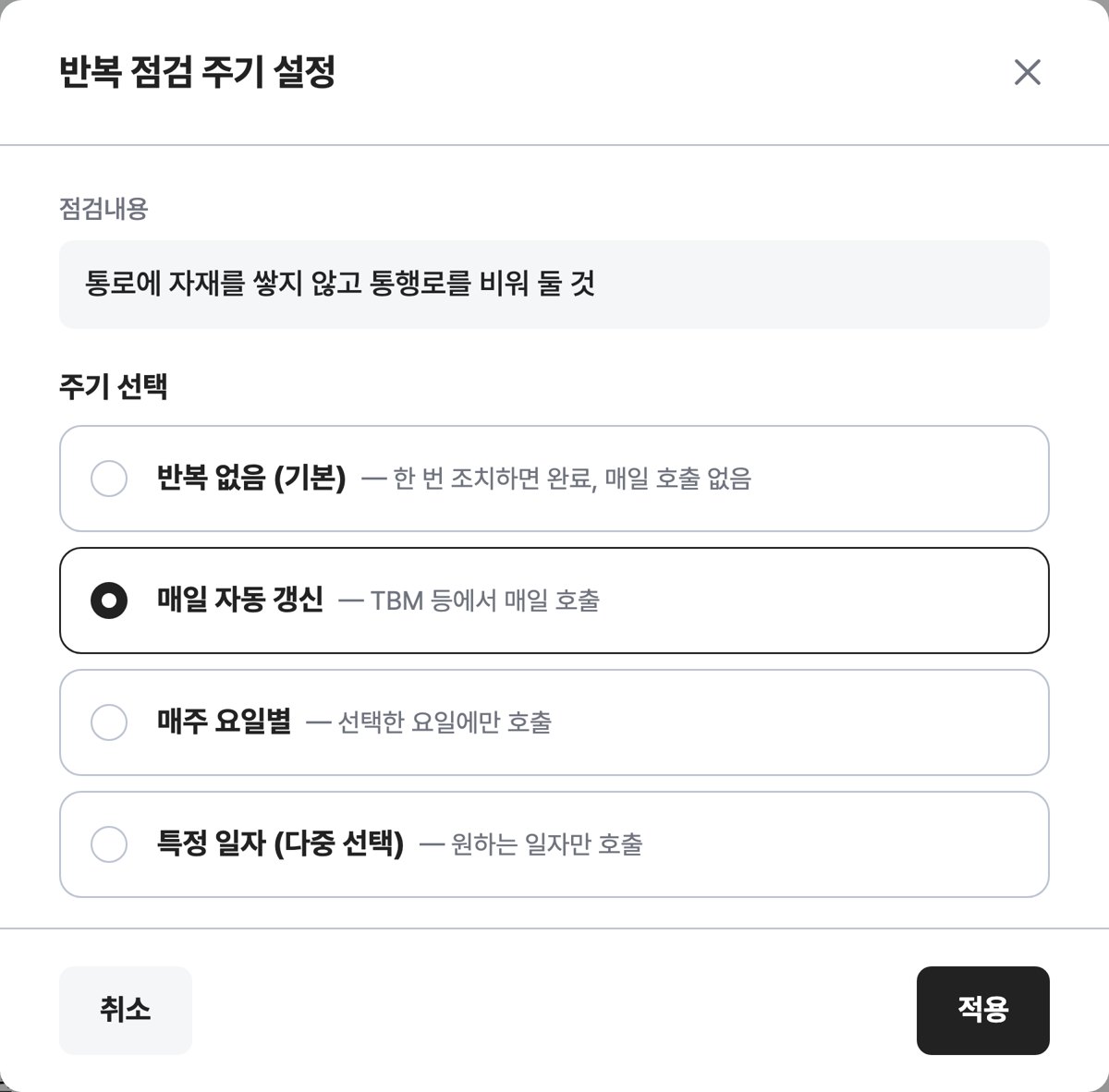
Register assessment and checklist items with cycles
Verify the fix and act again if needed
TBM
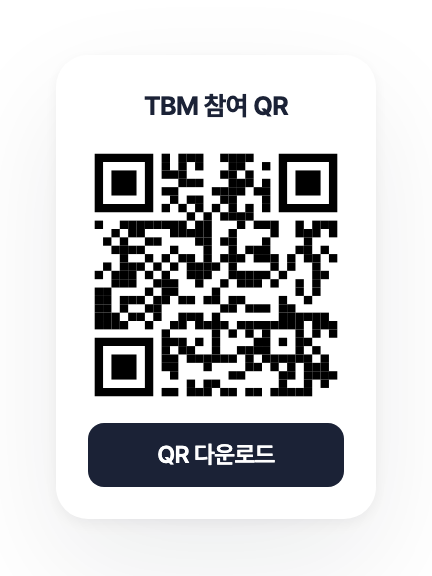
Workers review and sign documents with a QR scan, with no app or sign-up.
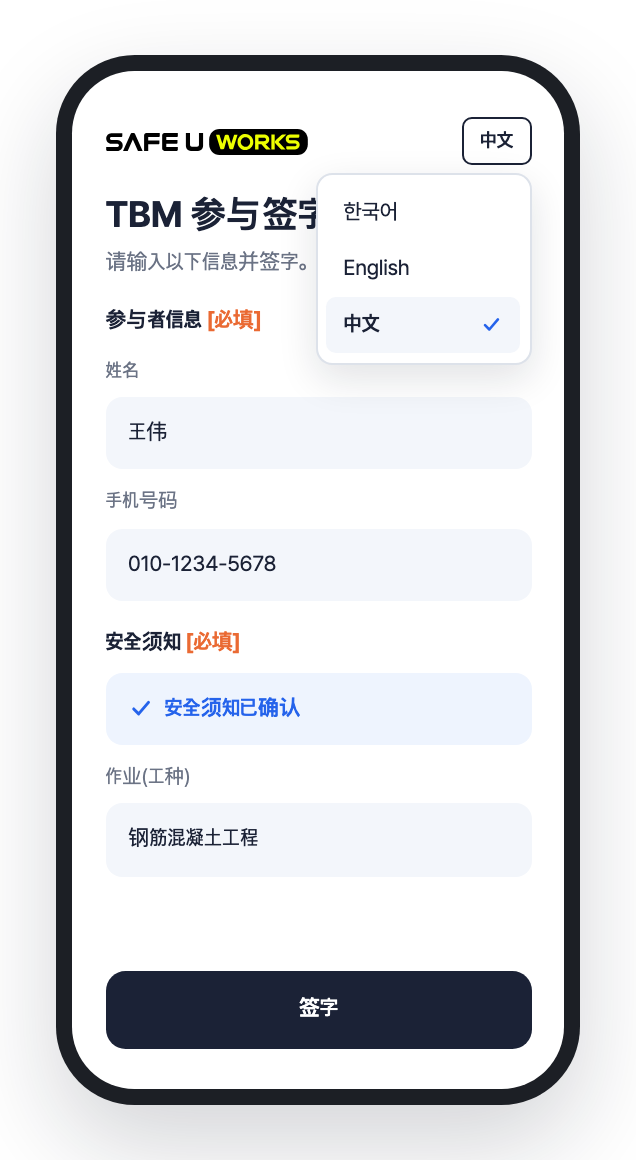
TBM docs in Korean, English, and Chinese.
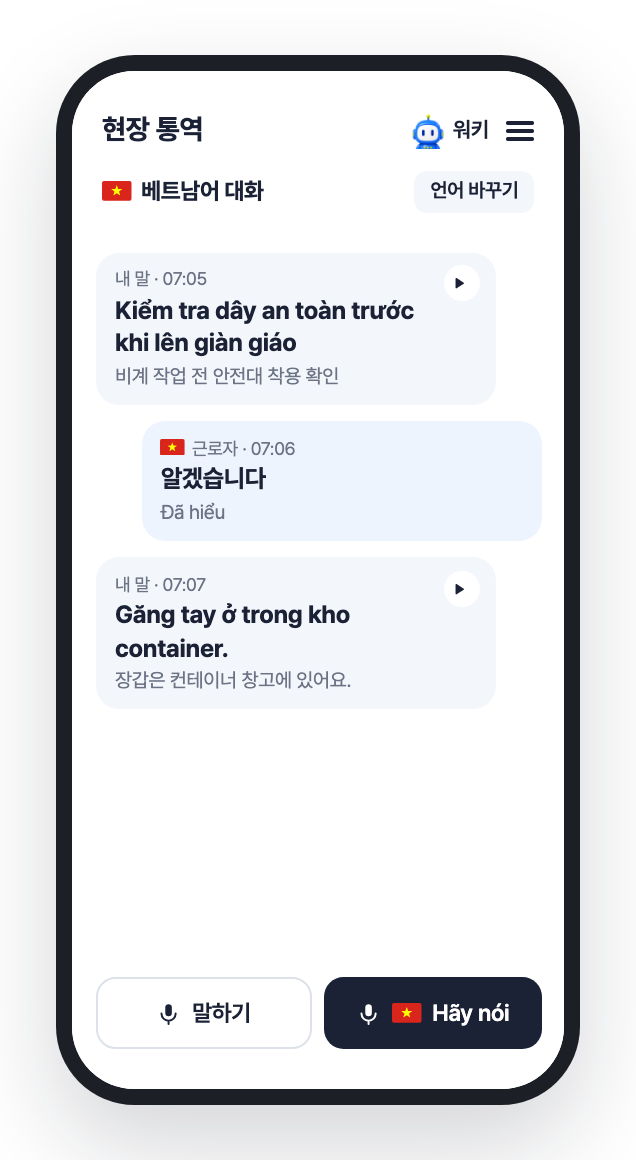
Translates managers' words for workers, replies into Korean.
Worker Feedback
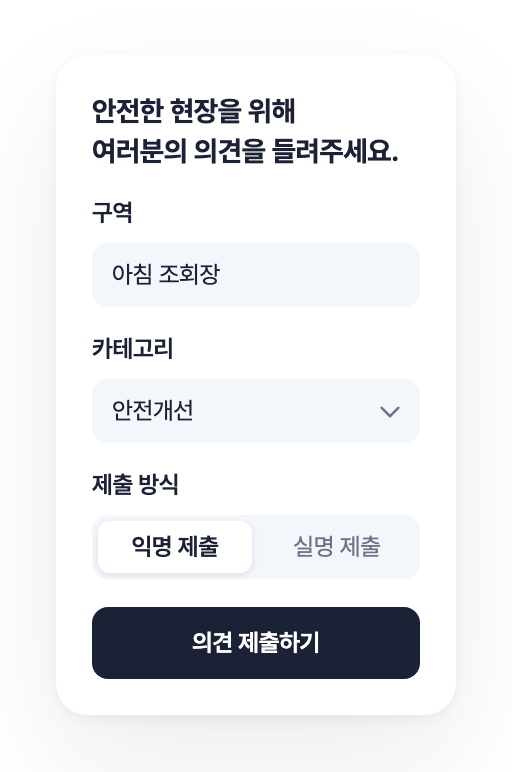
QR scan logs the location; set anonymous or named submissions and photos.
현장 대응
Action results are sent back automatically, so workers and managers can both see the progress.
Register feedback as risk assessment or inspection items and carry it into future inspections.
Work Support
5 features, from the all-site dashboard to approvals and notifications, carry documents to the next step.
Work Support
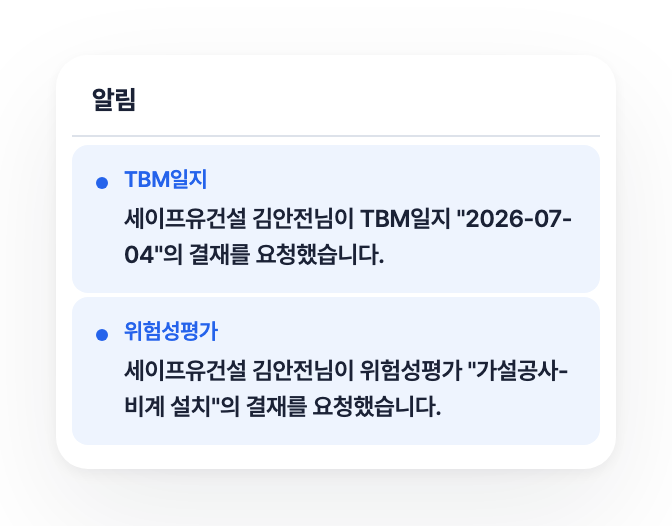
Documents go straight to your approval line.
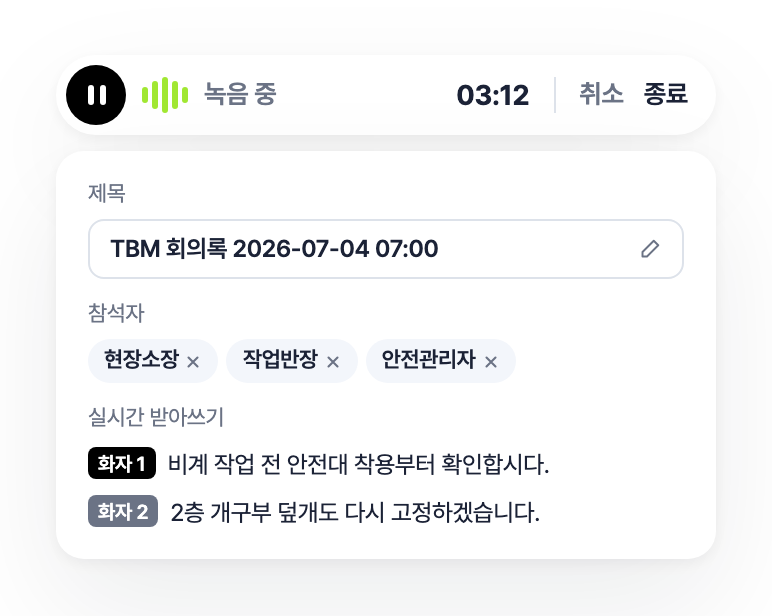
Record a meeting and get a draft in each field.
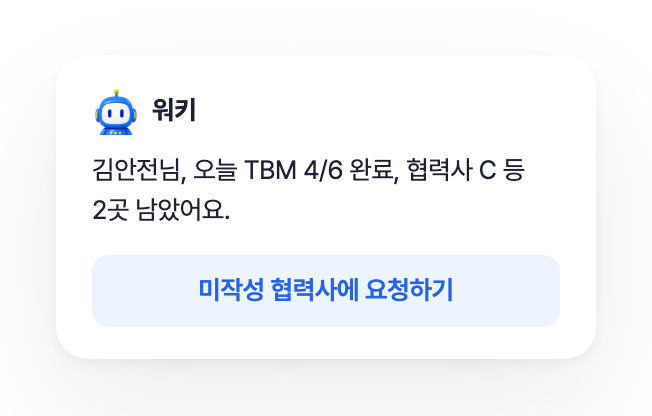
Worky flags subcontractors yet to submit.
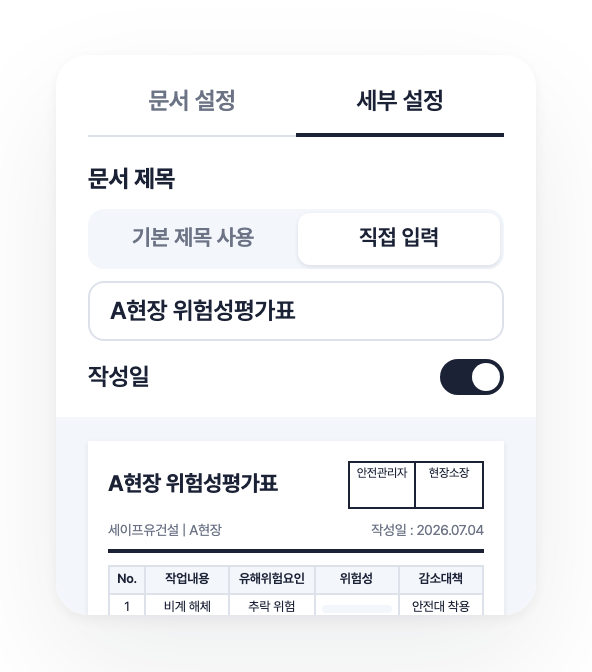
Customize print titles and date formats to fit your site.
All-Site Dashboard
Check risk assessments, TBMs, and statutory inspections for each site on one screen
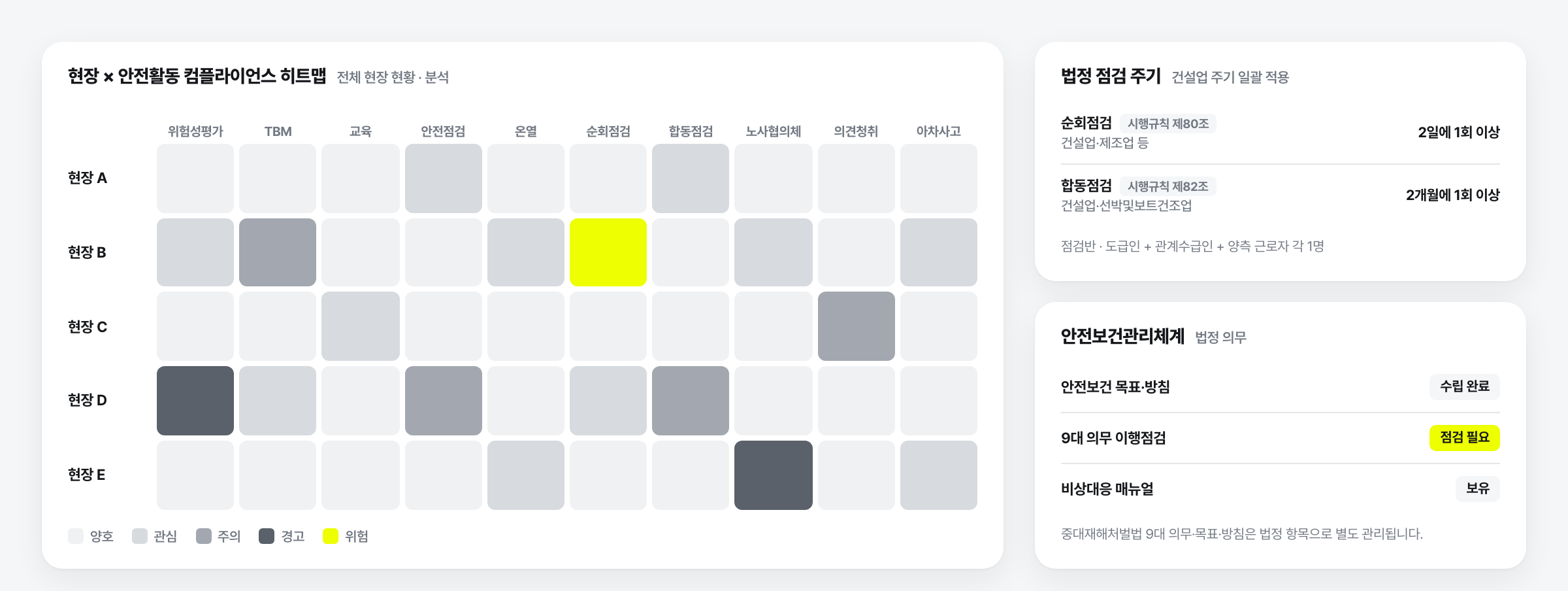
All Features
Prepare systematically for SAPA, from legal duties to evidence, with nothing missed